after try C++ & Qt6 see viewtopic.php?t=396208#p2363702
want see how that works with Python,
it is actually easy.
on a new setup
* RPI4 ( headless VNC )
* RPIOS Desktop 64bit
[menu] [Programming] [QT Creator]
[Create Project] [Application (Qt for Python)] [Window UI] [Choose]
Location: 'qtpyui' /home/pi/Projects/PY [default yes] [Next]
[Next][Next][Next][Finish]
there is a warning that
PySide6 install is missing ? install inside venv
select [INSTALL] OK
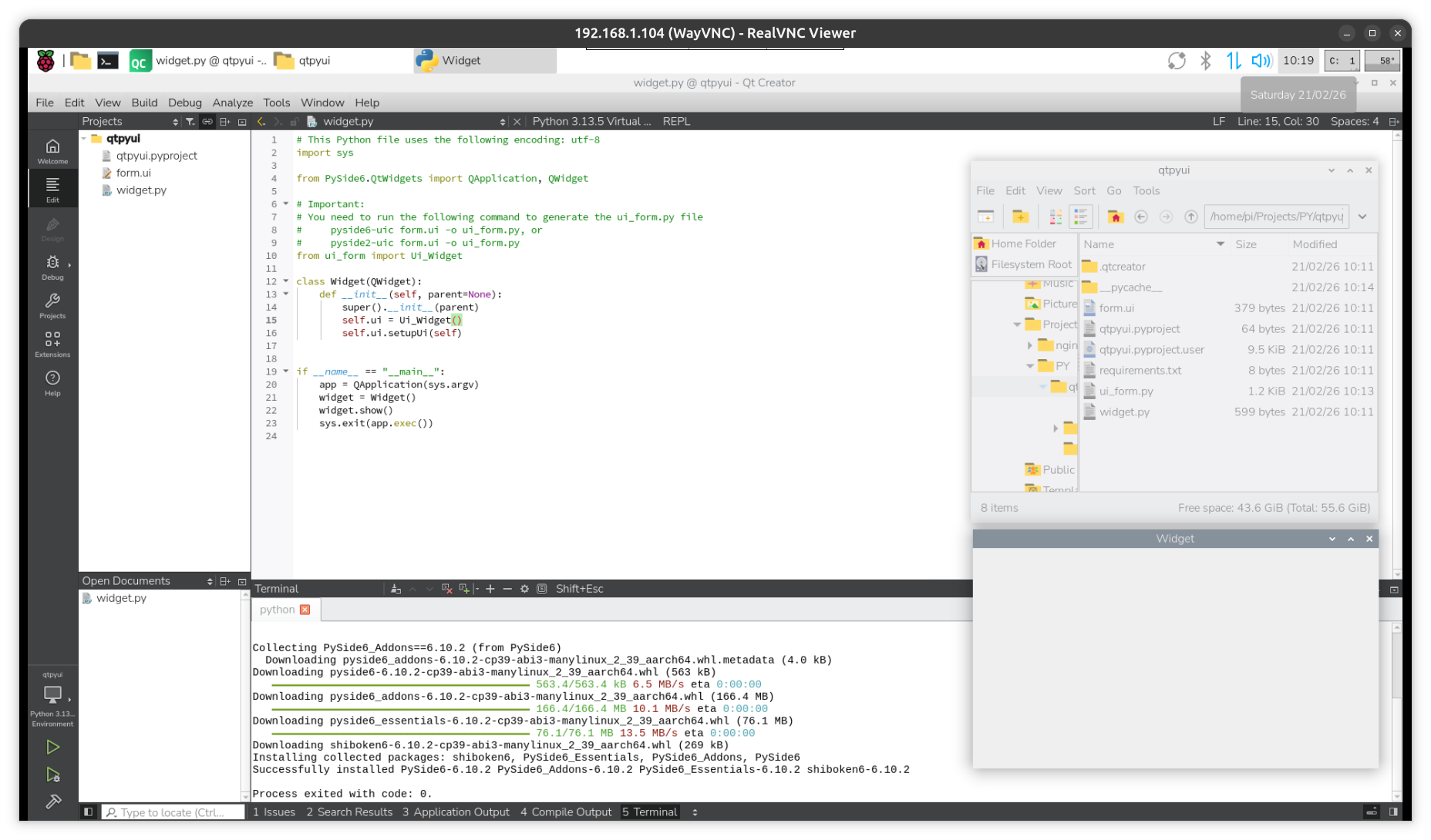
[ctrl][ b] ( for BUILD )
[ctrl][ r] ( for RUN )
![Image]()
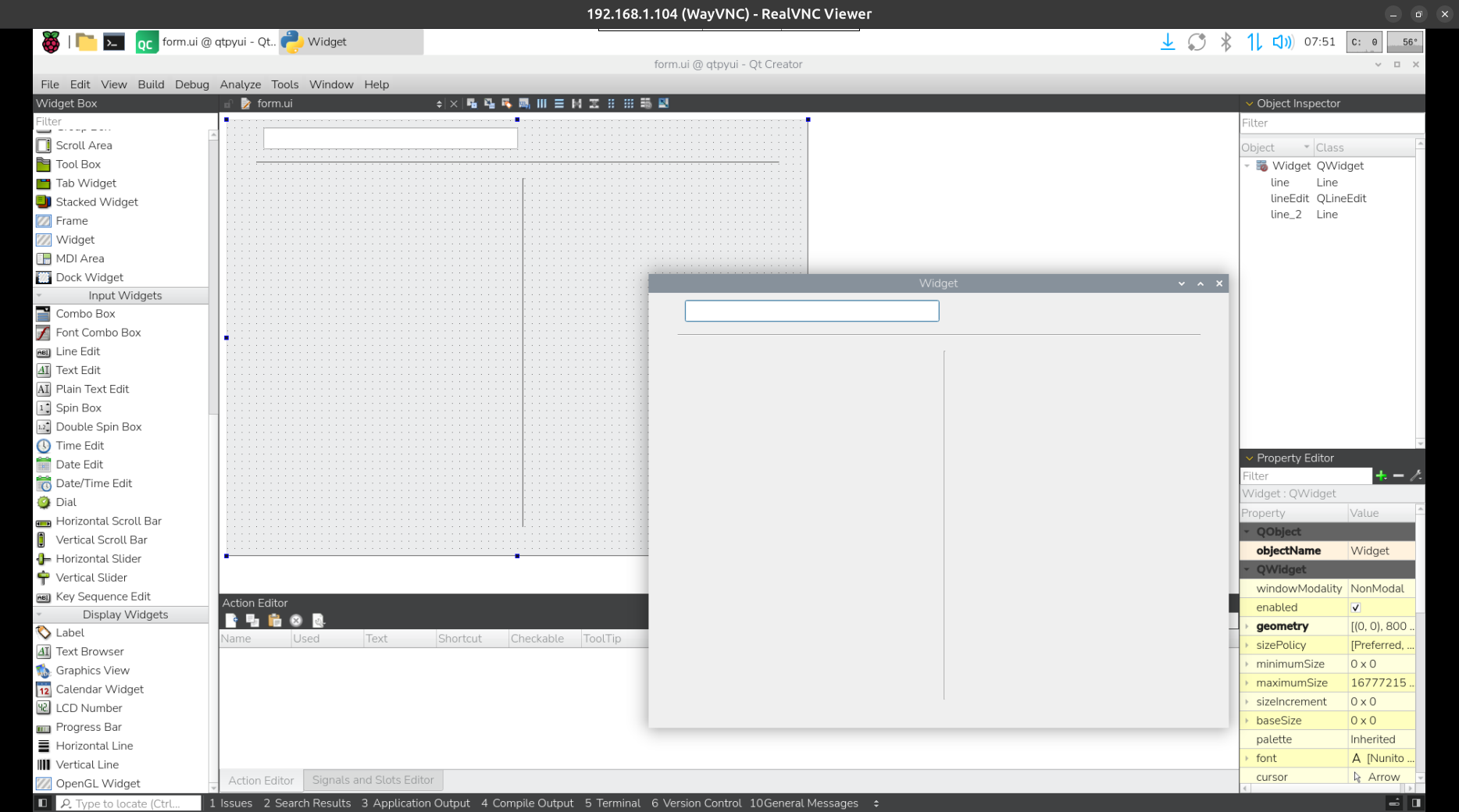
for add content to the GUI window double click on file form.ui to start the Qt Designer
![Image]()
want see how that works with Python,
it is actually easy.
on a new setup
* RPI4 ( headless VNC )
* RPIOS Desktop 64bit
Code:
sudo apt install qtcreatorsudo reboot[Create Project] [Application (Qt for Python)] [Window UI] [Choose]
Location: 'qtpyui' /home/pi/Projects/PY [default yes] [Next]
[Next][Next][Next][Finish]
there is a warning that
PySide6 install is missing ? install inside venv
select [INSTALL] OK
[ctrl][ b] ( for BUILD )
[ctrl][ r] ( for RUN )
+ + it makes its own VENV
+ + build creates window ui_form.py from form.ui
for add content to the GUI window double click on file form.ui to start the Qt Designer
Statistics: Posted by PiPlay — Sat Feb 21, 2026 3:43 am